Smart Cart ™
Grow average order value with upsells in your Shopify cart
Smart Cart replaces your theme's cart with a slide-out cart built to grow the order: cross-sells powered by Rebuy AI or your own rules, a progress bar toward free shipping and free gifts, and a one-click switch to subscription.


-
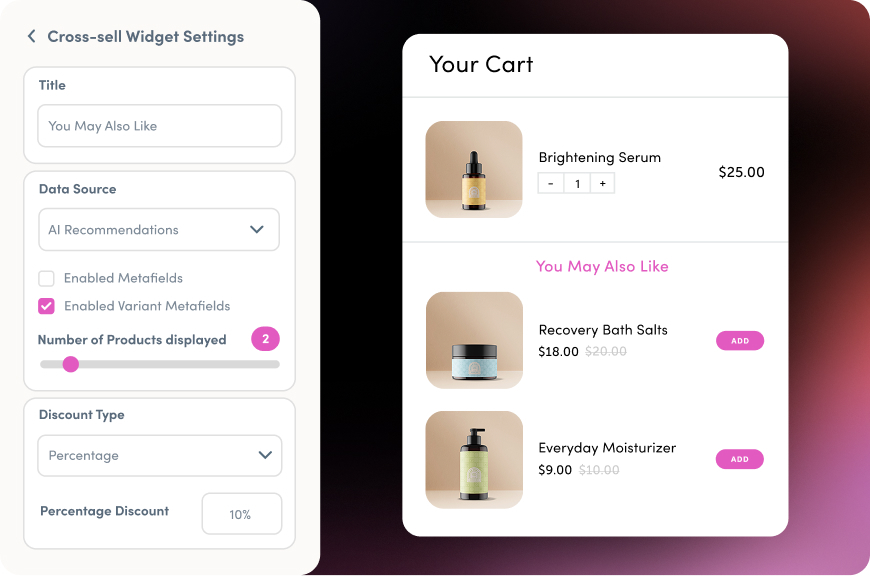
![Smart Cart cross-sell widget settings next to a cart with two recommended products]()
Cart cross-sells and upsells
Recommend what goes with what's already in the cart
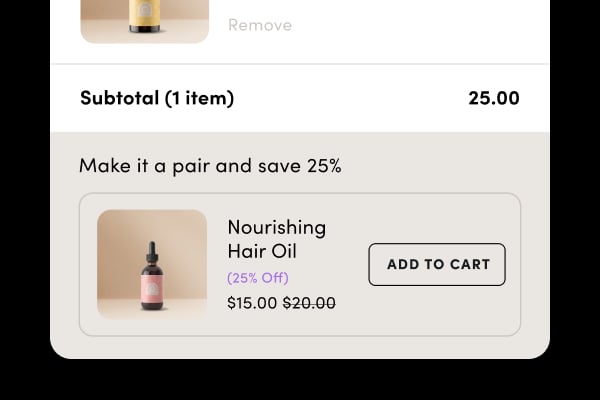
Rebuy AI reads what's in the cart, what the shopper has browsed, and what they've bought before, then recommends the products they're most likely to add. The recommendations update every time the cart changes. When you have other plans, like a launch or extra stock, set your own rules by cart subtotal, products in the cart, collection, or tag, and add a discount to any offer.
-
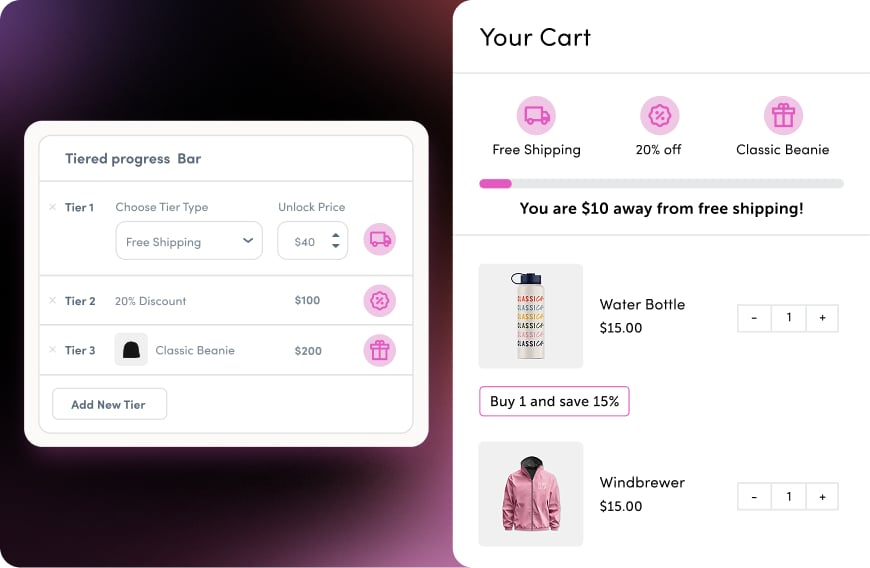
![Smart Cart rewards]()
Tiered rewards
Give shoppers a reason to add one more item
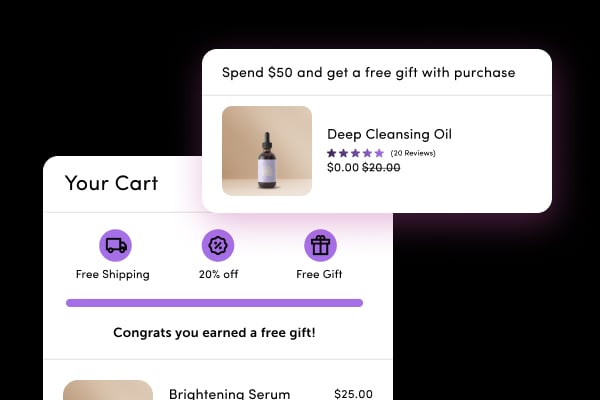
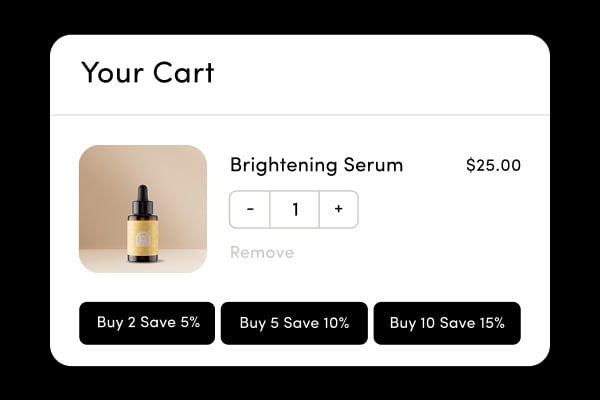
The Tiered Progress Bar shows each shopper how close they are to free shipping, a free gift, or an order discount, with up to four tiers based on cart value or item count. Add Buy More Save More to lower the price per unit as shoppers add more of the same product.
-
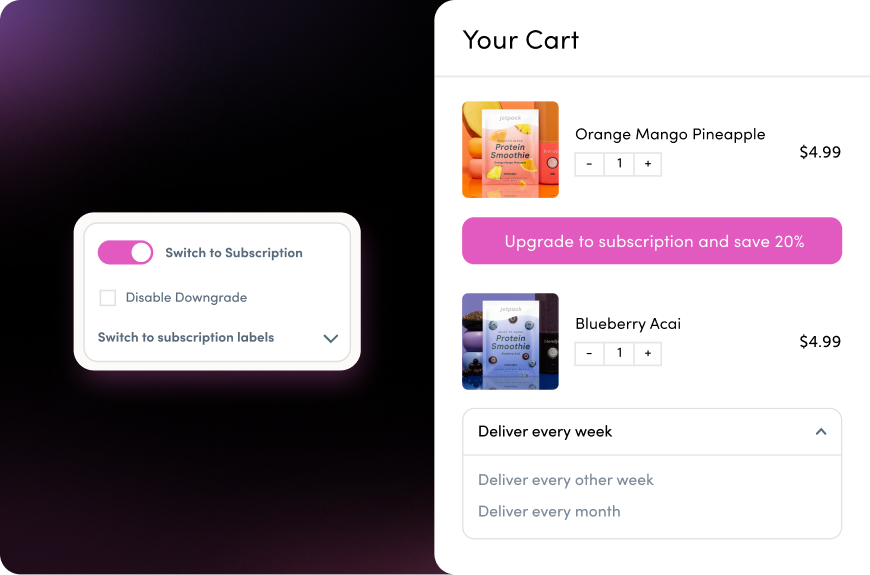
![Smart Cart subscriptions]()
Switch to subscription
Turn one-time buyers into subscribers in the cart
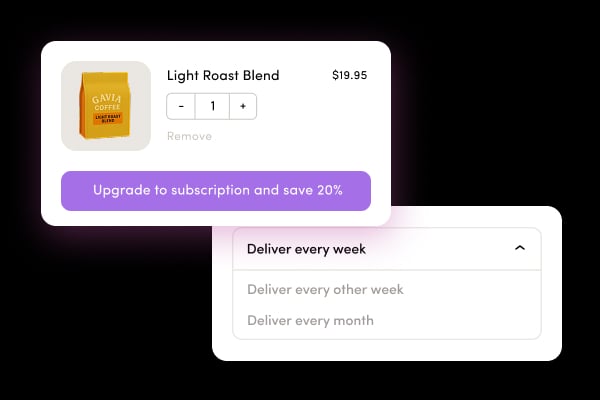
Shoppers can switch any item that has a subscription option to subscribe-and-save in one click, without removing it and starting over. It works with Recharge, Skio, Stay AI, Loop, and more.
-
![Attentive, Yotpo, Okendo, and Klaviyo logos over a Smart Cart]()
Works with your tech stack
Keep loyalty, SMS sign-up, and shipping protection in the cart
Smart Cart Apps add partners like LoyaltyLion, Yotpo, Attentive, and Route to the cart, plus toggles for gift wrap or shipping protection. More than 40 apps connect today, so your loyalty points, SMS sign-up, and order protection show up where shoppers decide to check out.

How three brands grew average order value with Smart Cart


MaryRuth Organics Case Study



Lashify Case Study



Mosh Case Study

Smart Cart features
What can you offer in a Shopify cart?
Cross-sells and add-ons, rewards for spending more, quantity discounts, a switch to subscription, and one last offer when the shopper clicks checkout. Turn on the ones that fit your store from the Smart Cart editor. For ideas, see cart drawers we love.
-
![Tiered progress bar]()
Reward bigger carts
Tiered Progress Bar
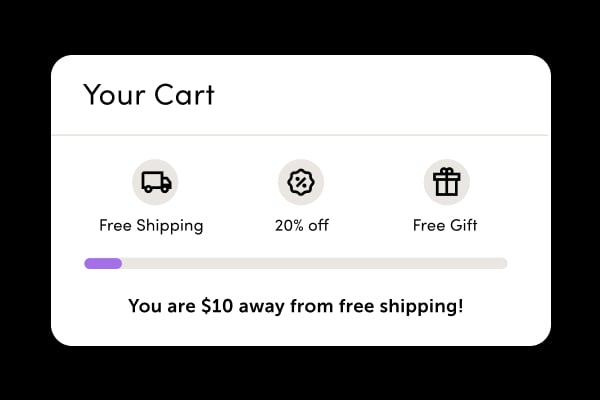
Show shoppers how close they are to free shipping, a free gift, or the next discount. Set up to four tiers by cart value or item count, with separate bars for up to three countries.
-
![Gift with purchase]()
Add a gift automatically
Gift with Purchase
Add a free gift to the cart once the order reaches a set value, or let shoppers choose their gift. The gift comes back out if the cart drops below the threshold.
-
![Buy More Save More tiers on a cart line]()
Boost order size
Buy More Save More
Lower the price per unit as shoppers add more of the same product, with the next tier shown right on the cart line.
-
![Switch to subscription]()
Grow recurring revenue
Switch to Subscription
Show subscribe-and-save on every cart item that has a subscription option, so shoppers can switch in one click at the moment they're ready to buy.
-
![Cart cross-sells]()
Personalize your offers
Cart Cross-Sells
Show products that go with what's in the cart, powered by Rebuy AI or set by your own rules. Add a discount, a variant picker, or quick view to any offer.
-
![Gift wrapping and shipping protection toggles in a cart]()
One-click extras
Cart Add-Ons
Offer gift wrap, express shipping, or shipping protection as a simple toggle in the cart. Shoppers opt in with one tap and see the price first.
-
![Discount code input]()
Show savings before checkout
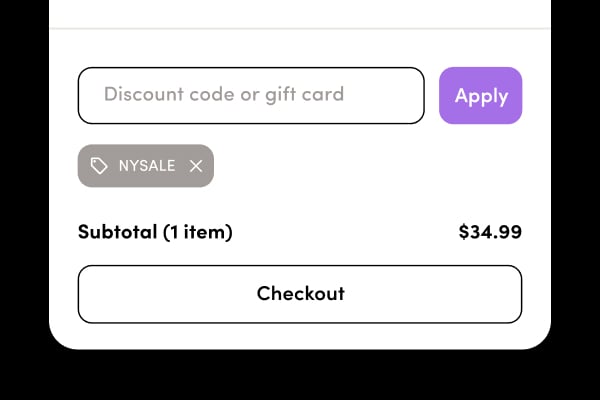
Discount Code Input
Let shoppers apply a discount code in the cart and see their new total before checkout, so they don't leave to look for one. Codes are checked in real time.
-
![Double column cart layout]()
More room for offers
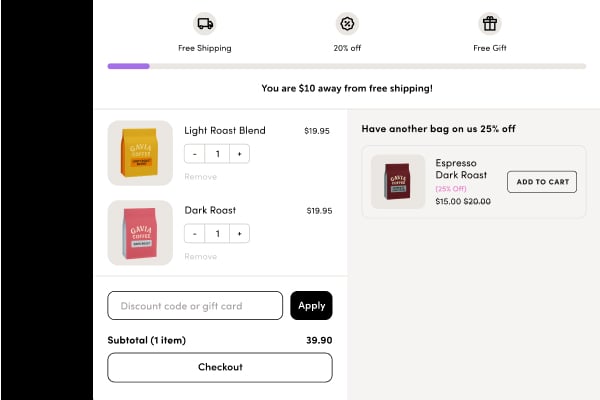
Double Column Layout
Give cross-sells their own column next to the cart items, so desktop shoppers see more offers without scrolling.
-
![Smart Cart integrations]()
Connect your tech stack
Integrations
Add loyalty programs, SMS sign-up, shipping protection, and more from 40+ Smart Cart Apps, so shoppers can use them without leaving the cart.

How to add upsells to your Shopify cart
-
01 Build
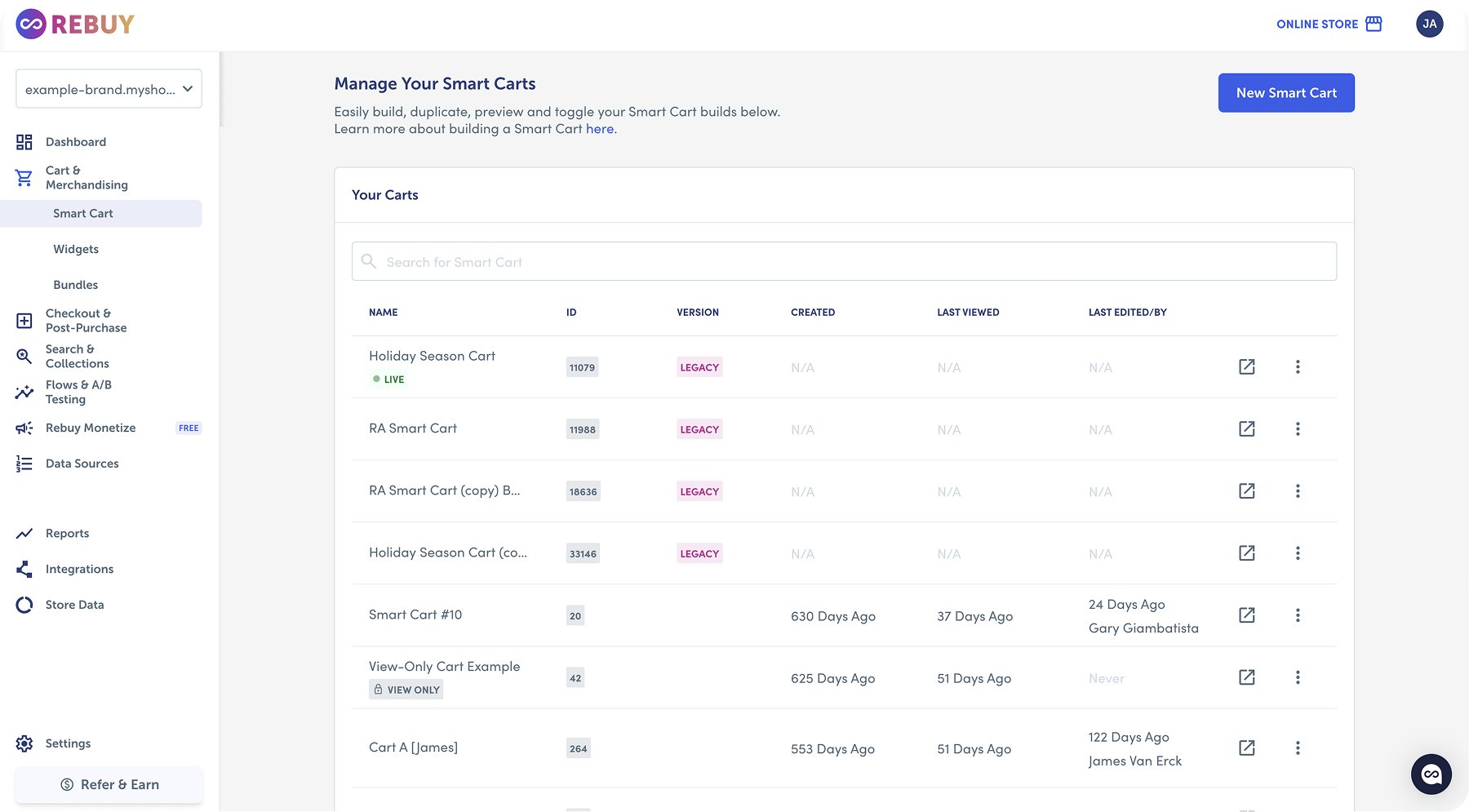
Start from a ready-made cart and add the components you want, like cross-sells, a progress bar, or a subscription switch. No code needed.
-
02 Launch
Publish the cart in one click from your Rebuy admin. It takes over from your theme's cart, which stays in place as a backup.
-
03 Optimize
Schedule a sale cart to go live and switch back on its own, A/B test one cart against another with Rebuy A/B Testing, and see what each cart earns in your Rebuy reports.
